Get paid and pay out in one chat
Send invoices, request payments and pay your team without leaving WhatsApp.
9:41

Send 5k to Tobi for lunch16:49
₦5,000.00 to TOBI ADEBAYO (0123456789, GTBank) · ₦10.00 fee16:49
Retailers · Freelancers · Service businesses · Growing teams
Invoice customers. Pay your team.
Keep business moving, one chat at a time.
Create invoices, request payments and prepare payroll from WhatsApp. Track money in and out, with every recipient, amount and fee checked before approval.




The order. The people. The next deadline. Explore the work around the money.
Turn items, quantities and prices into an invoice draft. Check the customer, total and due date before it leaves your hands.
Try Nella for businessA customer name. An invoice reference. An amount to follow up. Keep the details together, from the request to the review.
Try Nella for businessPrepare staff or supplier payments together, then review each recipient and amount. A batch total is never a substitute for checking the details.
Try Nella for businessLook at money coming in alongside money going out. Get a clearer view of the month before planning the next one.
Try Nella for businessAn invoice due tomorrow. Rent on Friday. Bring upcoming dates together without confusing a reminder with an authorised payment.
Try Nella for businessShared on WhatsApp
From the first message to the final receipt, know where your money is going.
Send invoices, request payments and pay your team without leaving WhatsApp.
See the real account name, bank and amount on a card. Nothing leaves until you approve it on a secure PIN screen.
Name confirmed before approval
Every completed payment comes with a branded receipt and reference you can share.
Transfers, airtime, data, electricity and TV — plus balance and spending, in the chat you already open all day.
From the first order to the month’s review, keep the important details in sight.
Shared on WhatsApp
The items, the quantities, the agreed price. Give every sale a clear starting point.
Approved once with your PIN
Every person matters. Check individual amounts as carefully as the batch total.
Updated as money moves
Sales are only half the picture. Put expenses beside income to see the bigger story.
Less back-and-forth. A clear path from invoice to payment.
Start on WhatsApp, share your registration details and complete business verification.
Fund your dedicated business account, ready for vendors and team payments.
Prepare a vendor payment or payroll batch. Check every recipient and amount before approving with your PIN.
Move money the way that works best for you.
Good records matter.
So does checking who can do what.
Confirm the customer and invoice reference. For batch payments, review every recipient and individual amount before approval.
Never share a PIN, password or one-time code. Ask about supported staff controls instead of sharing account credentials.
Follow secure onboarding instructions and check the terms, limits and safeguards that apply to your business account.
Banking by VFD Microfinance Bank. Top-ups and bills for the networks and providers you use every day.







Banking partner, supported billers and payment ecosystem brands shown. Logos do not imply a direct partnership with every company.
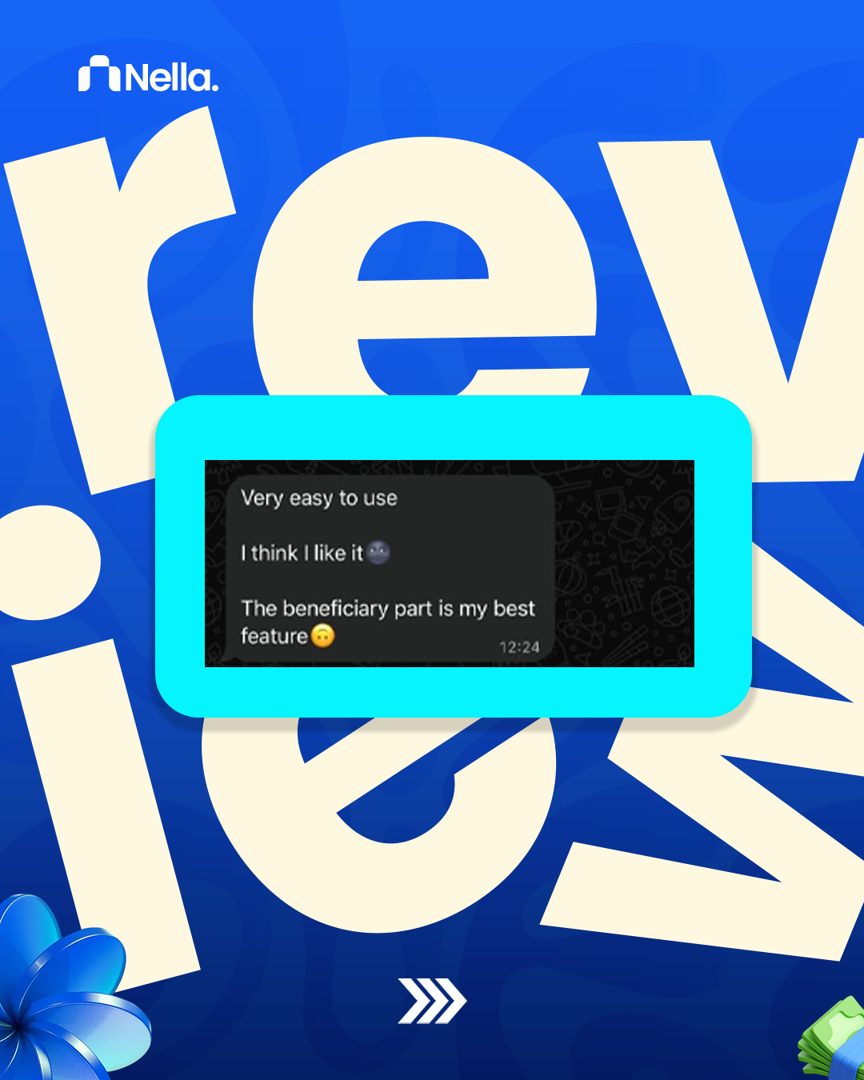
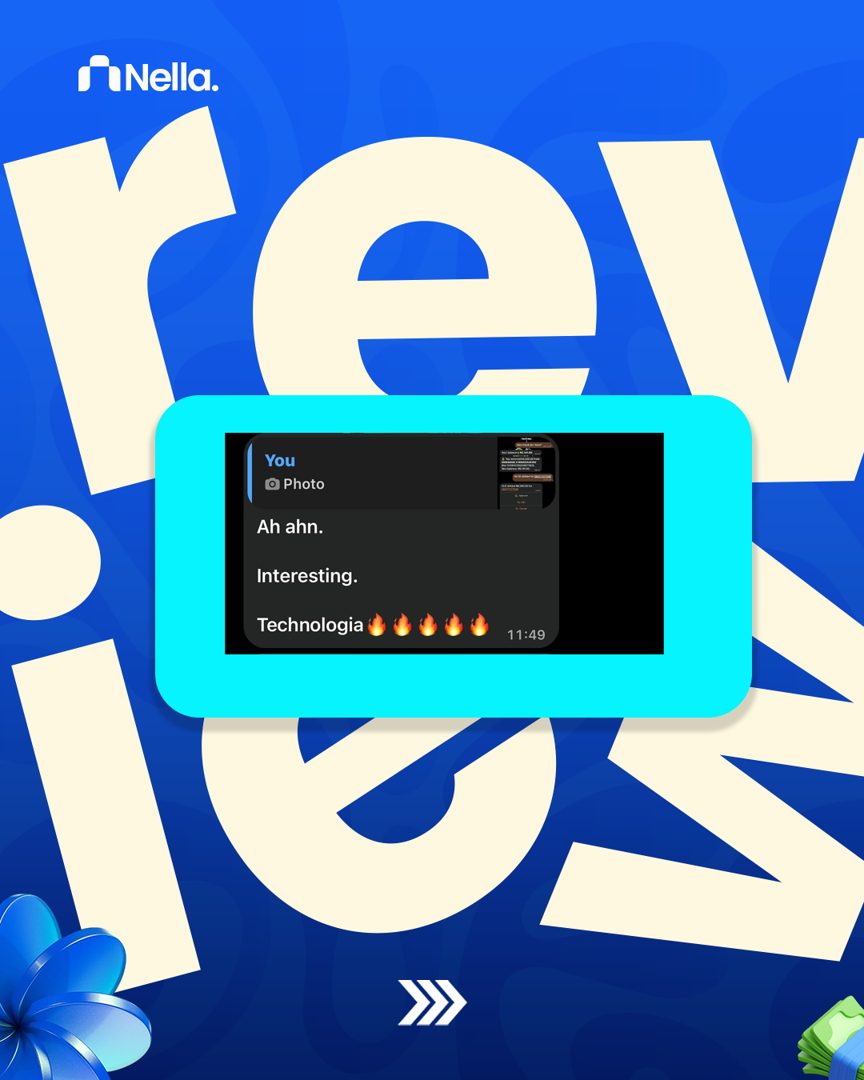
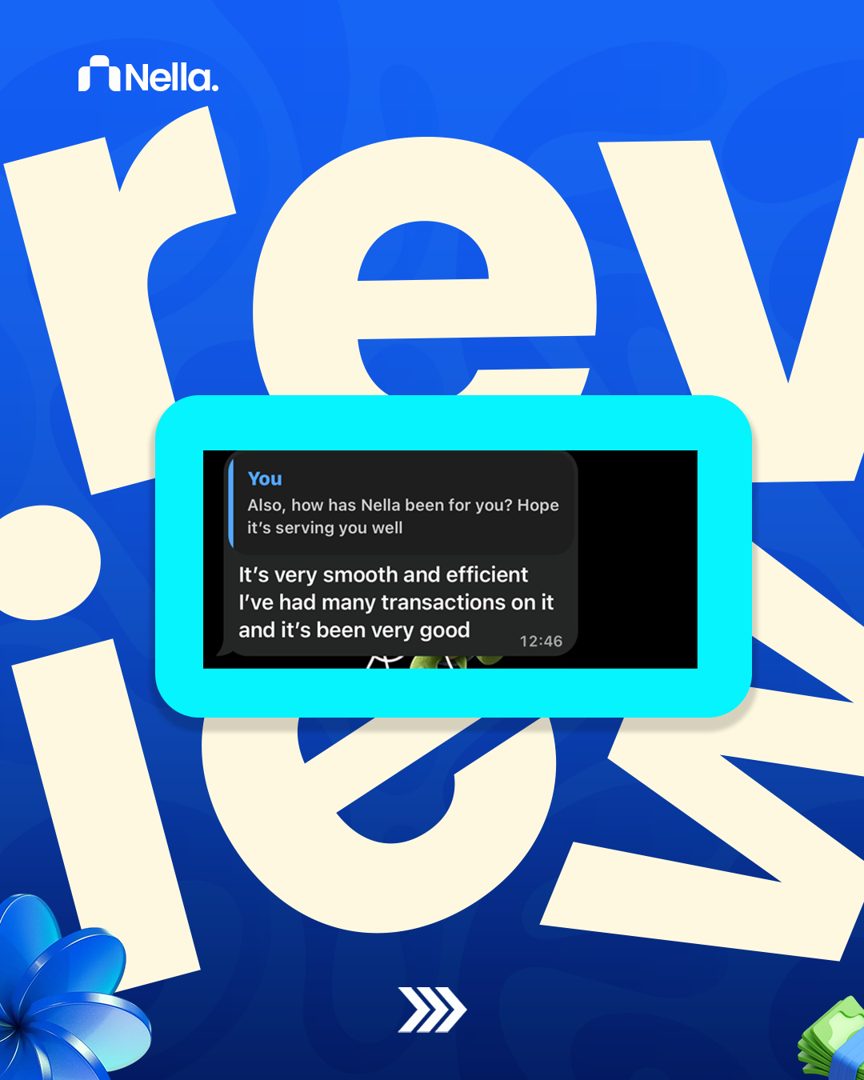
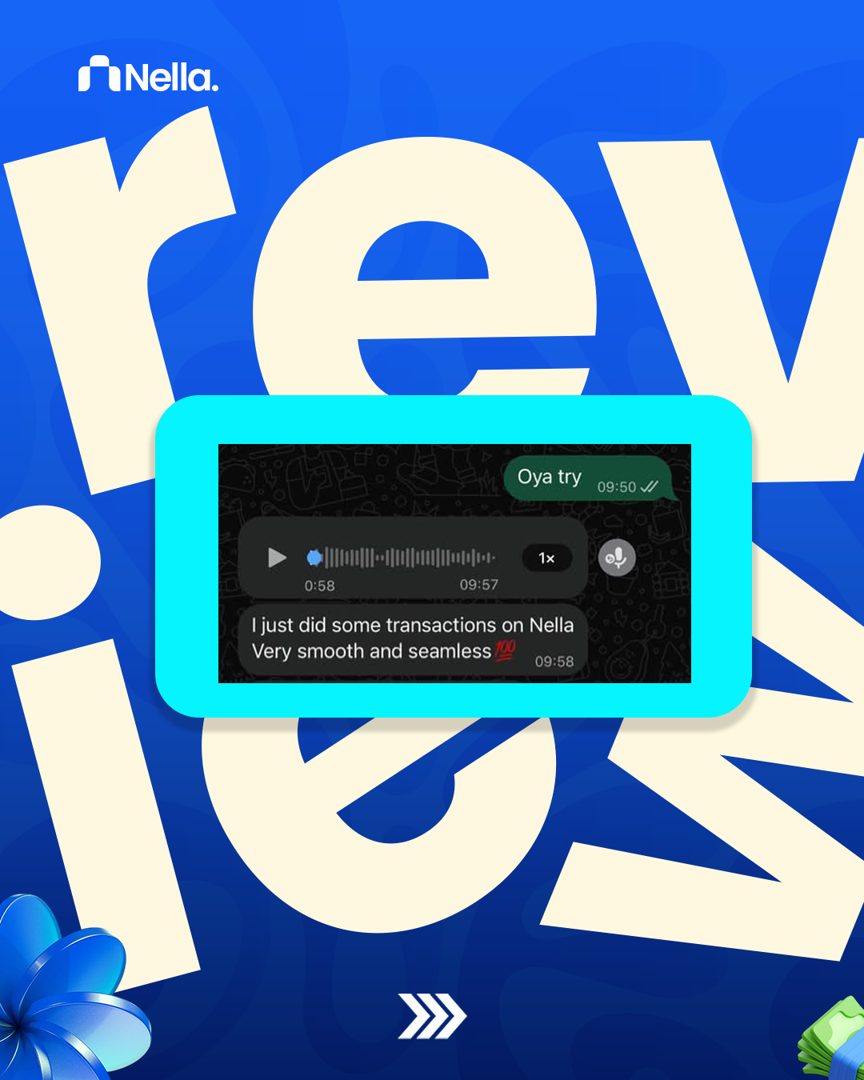
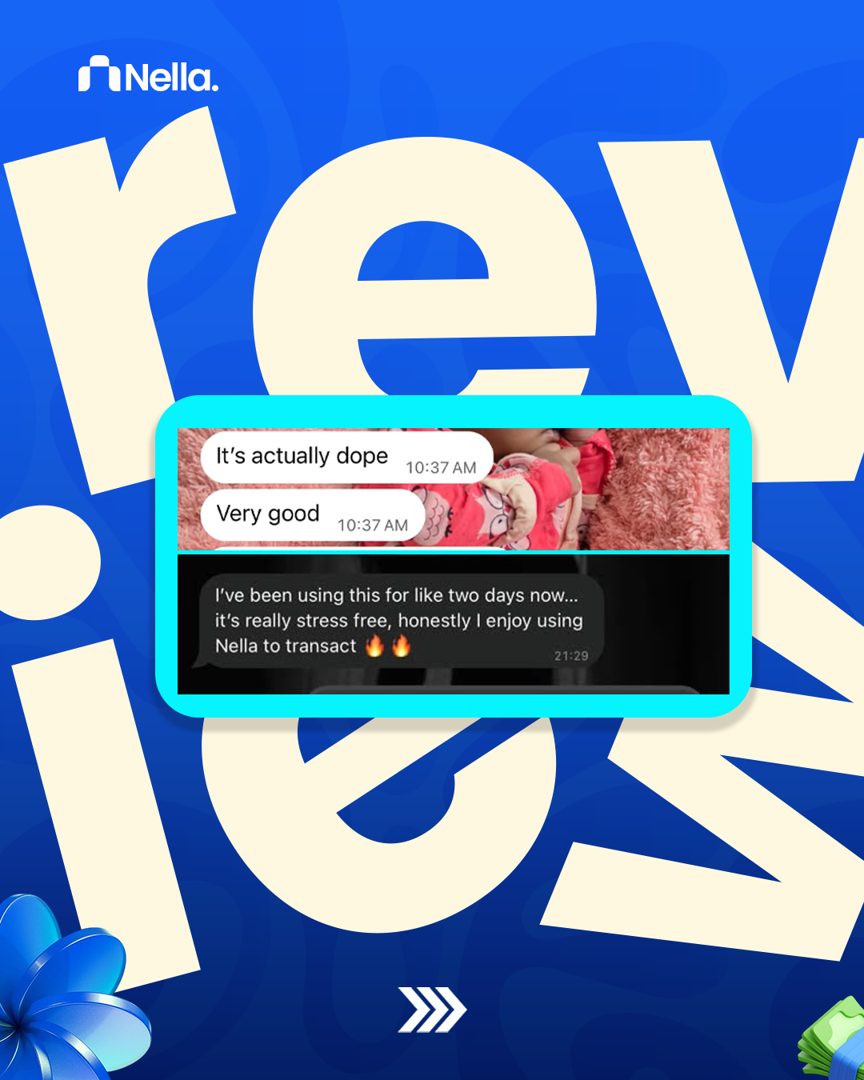
Hear from people paying with Nella. Their messages, in their own words.

Accounts, payments, staff and the details worth checking first.
Talk to our teamRetailers, freelancers, service businesses and growing teams who want a clearer way to work through business money tasks on WhatsApp. Contact our team to check which services fit your business.
Business workflows focus on customer invoices and payment requests, staff or supplier batches, and business income and expenses. Ask the team about available account options and keeping business records separate from personal spending.
Start a conversation with our official WhatsApp number. Our team will explain the business verification, eligibility and account requirements that apply to you. Only submit identity documents through an official secure verification channel.
Explore the invoice and payment-request examples above, then ask our team about access for your account. The records on this website are illustrative: selecting a workflow does not issue an invoice, create a payment link or contact a customer.
Review the full recipient list, individual amounts, batch total and applicable fees before authorising through the supported service. Website examples do not move money; availability and limits depend on your account.
Ask our team about supported staff access and account controls. Keep credentials private and do not share a PIN or one-time code with staff. This website does not create staff access to a business account.
Contact the Nella team for current business pricing, transaction limits and supported services. Review charges before approval. There is no fixed business price or promise of free transactions on this website.
No reminder shown here authorises a payment. The example dates are not scheduled notifications. Check the supported service’s reminder and payment-approval controls with our team.
Request account protection or help restoring access.
Tell Nella what you’re working on. Let’s start there.
Try Nella for business